A projects board that bends to your team
Every team runs differently. Production wants one view, QC wants another. Editors care about the next render; producers care about who's blocked. Until last week, the projects board only had one shape — and that shape worked some of the time, for some of you.
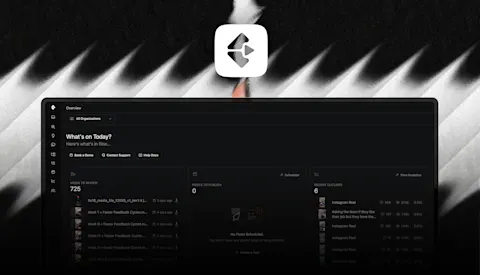
This week we shipped the biggest change to the projects board since launch: Custom Views & Labels.
Custom Views & Labels
Make the board look the way your team actually works.
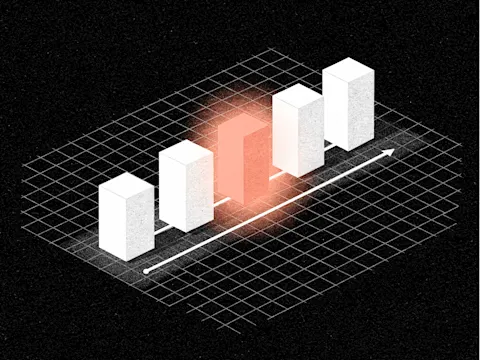
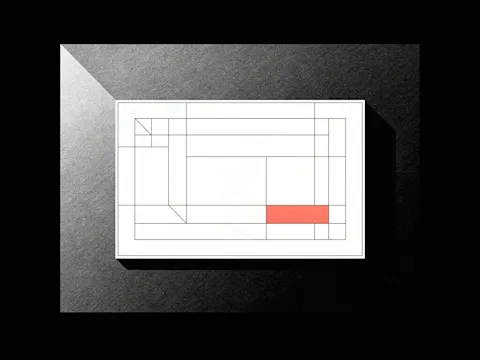
You can now save organization-wide views (one called "Production," another called "QC") so everyone lands on the right setup by default. Switch between list and kanban in a click. Apply custom labels to projects, colour the tiles by label, and filter the board down to just what matters right now. Pick what each project tile shows, and set the sort order the way your team thinks about priority.
We've been wanting to ship this for a while. It's the first real move toward letting Clipflow flex to your team's process, instead of asking your process to flex to Clipflow.
Assign Users to Posts
Posts now have owners, editors, and viewers — the same model that's been on Projects, brought down to the Post level. Less ambiguity about who's driving each piece of content, and one less reason to ping someone in Slack to check.
Analytics, open to everyone
Analytics used to be an Early Adopter perk. It isn't anymore. Every Clipflow user, on every plan, now has the full Analytics view — Top Channels, Top Posts, Recent Posts, and the outlier score that tells you when something's punching above its weight.
We've also added tooltips across Analytics so you can see exactly how every number is calculated, including the time range it's drawn from.
Connect platforms with a link
You can now hand someone a link that opens Connect your Accounts without them needing to sign into Clipflow first. Useful when you're onboarding a new client or working with team who manage a channels but you don't have access to their social accounts and you want to track their content performance on their channels
Auto-create posts from a project's channels
Assign channels to a project and Clipflow now spins up a draft post for each channel and platform product automatically — pre-titled, deduped. Less manual scaffolding before you start the actual work.
A few smaller updates
- Timezones are now respected across the app — date selectors, notification grouping, billing dates all use your configured timezone instead of the browser's.
- YouTube bulk sync places scheduled videos on the correct day, and re-syncing updates already-imported posts.
- Outlier scores are now calculated the same way across Top and Recent posts, so the numbers line up.
- Plus a round of stability and polish across the app.
Where this is heading
We're building for the content operations platform your entire team is comfortable in, no matter what process you follow and these changes are helping us get there. If there's anything you'd like to see extending from the way we're now implementing custom views, labels, custom colouring tiles and it helps you work at a larger scale without more chaos, get in touch.
Open the projects board, set up your first view, and tell us what you build.