Content Operations
State of Flow
Learn how teams build channels that grow sustainably — with systems, not stress.

Answer the question your customers type into ChatGPT
New customers now say they found us through ChatGPT or Claude. A how-to help guide on trial reels brought signups within two days of going live.

The small details that keep your team moving
When an editor stops to ask which opening you want, give them the decision and the reason behind it, and keep both with the script on the project page.
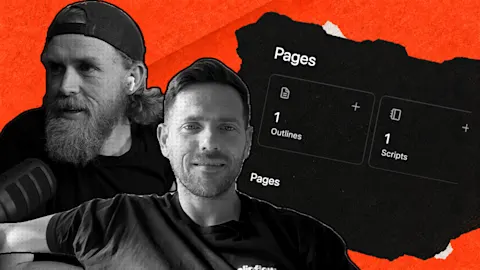
Give your team the context to keep content moving
Inline link previews keep a reference beside the script, Instagram collaborators let a partner co-author a post, and the planner now spans organizations.
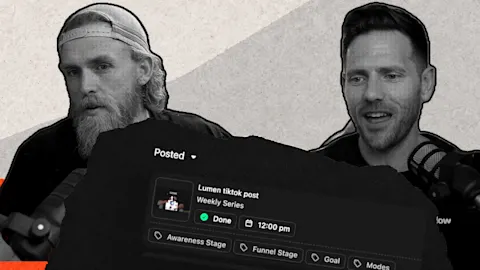
Turn this week's video into a plan your team can run
Projects now have a Posts page that groups posts by schedule, plus a clearer way to connect channels for automatic publishing and check a client's setup.
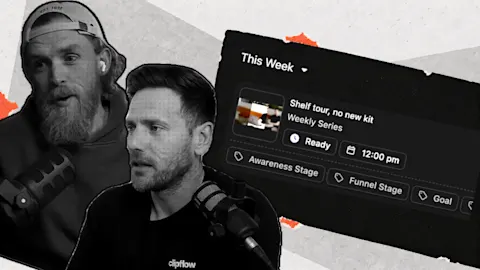
Review your backlog and get the next fortnight ready
The new Review screen shows media, caption, channel and schedule together. Move through drafts with the arrow keys or J and K, and press R to mark ready.
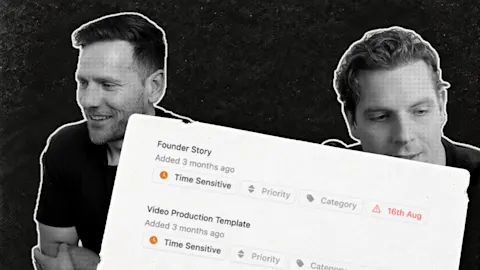
Keep your content plan visible when publishing gets busy
One customer dropped their weekly status meeting by running on the Kanban board and automatic scheduling. Rejected posts now show Failed, with a retry.

Find the content worth repeating inside your own strategy
Filter analytics by channel, post type and custom label so trial reels are compared with trial reels, and label each video by the question it answers.
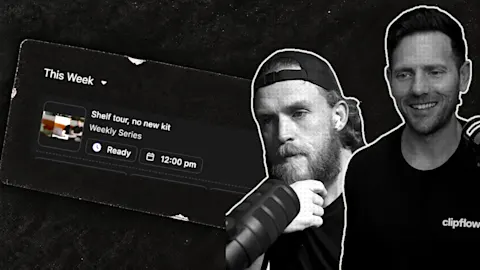
Bring a good old post back into your content workflow
Convert an imported post into a working project when you plan to repurpose it, attach the new brief, and keep the rest of your history out of the queue.

Teach your automation which content belongs where
Set conditions on orientation, duration and project labels so each file drafts for the right channel, then test one real recording before using defaults.
Page 1 of 8 · 72 articles
Authors