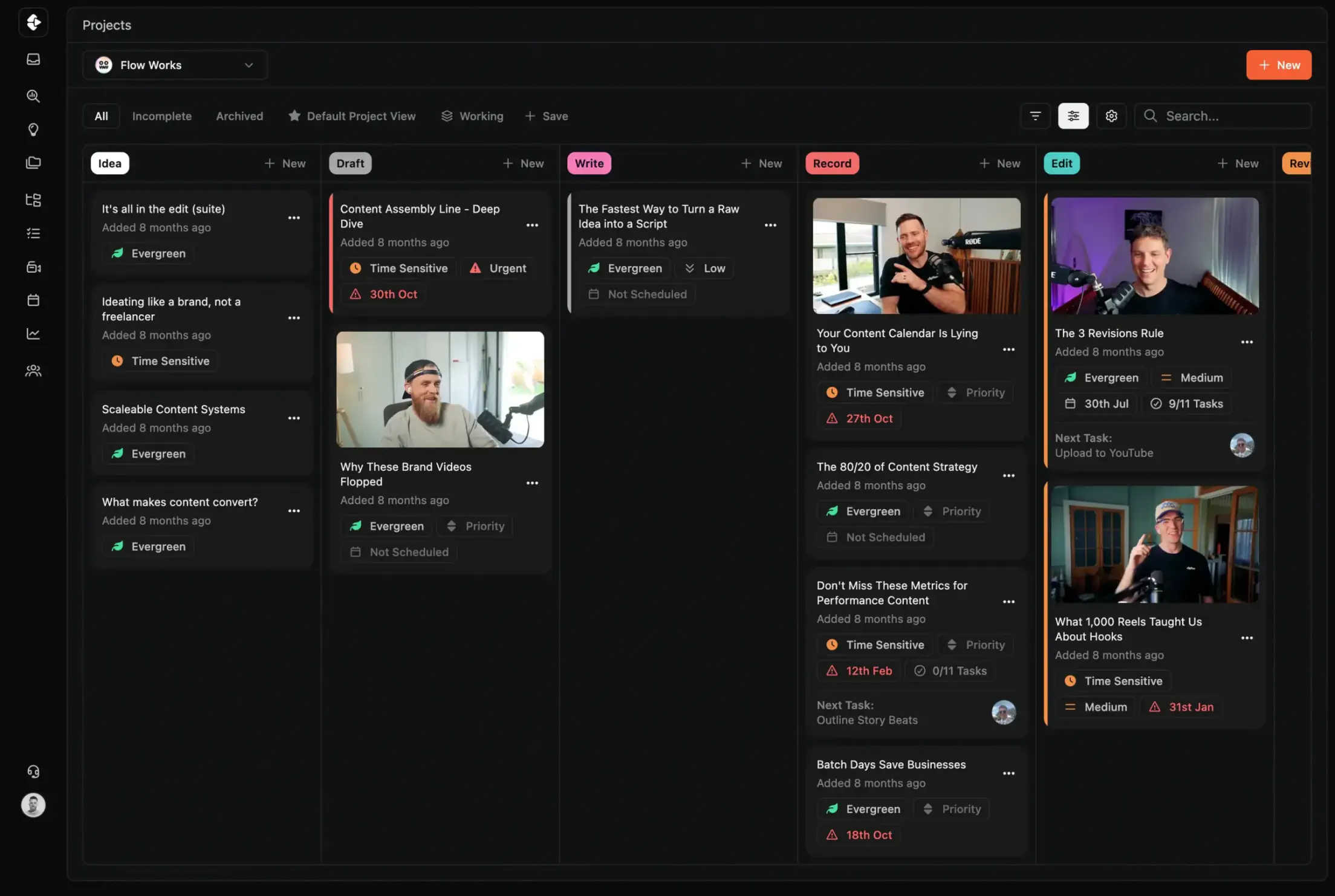
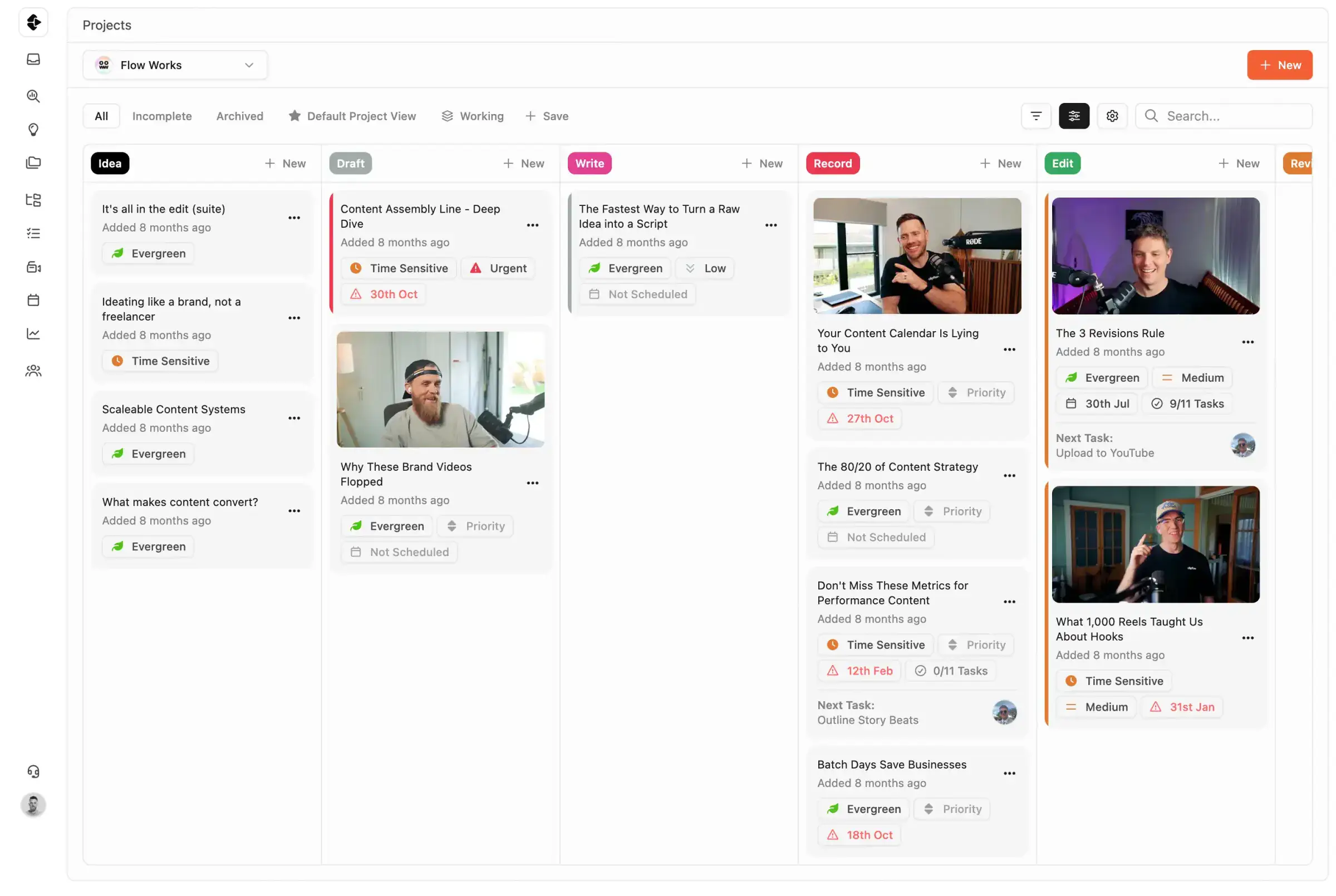
Best Frame.io Alternative for Content Teams
Frame.io is excellent at video review. Clipflow combines review with planning, task execution, approvals, and publishing in one workflow. Here is the practical difference.
Frame.io is a review and approval tool, not a full content production platform. A side-by-side comparison shows who each product is best for, what Frame.io leaves out, and why review-only tools force content teams to maintain expensive multi-tool stacks.









Join 4,000+ Businesses Today
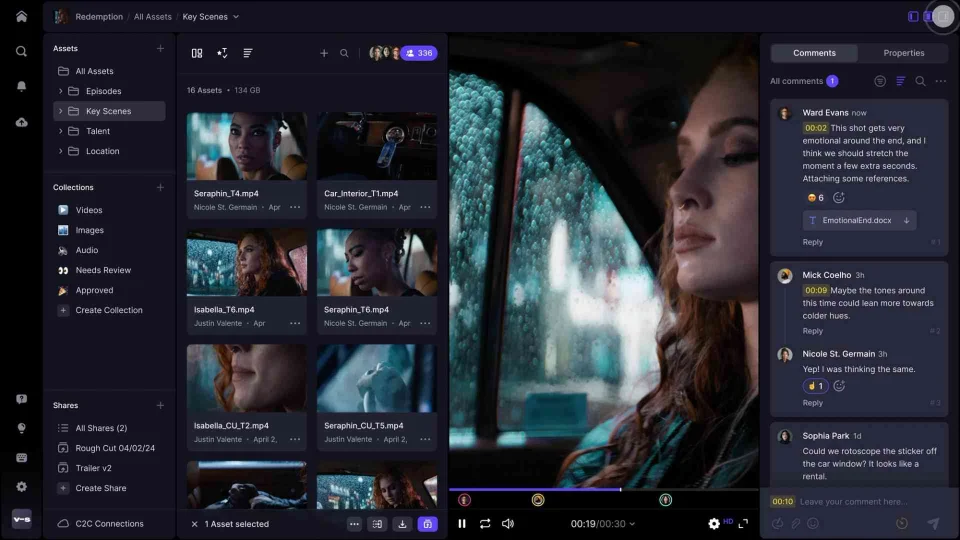
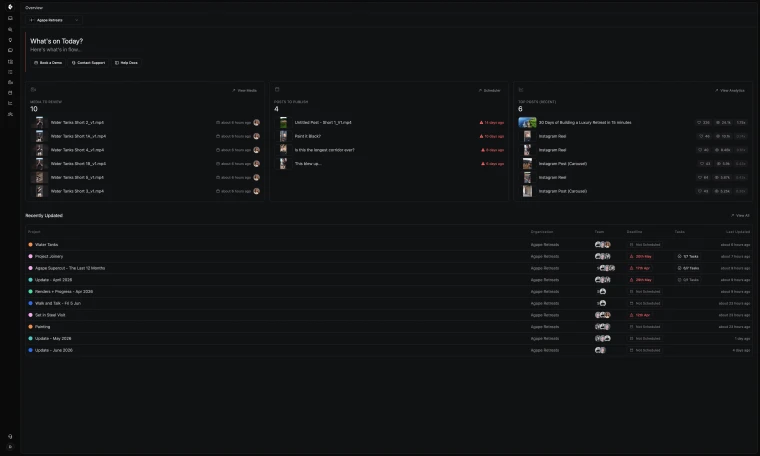
High-Output Media Businesses Trust Clipflow









Is Clipflow actually a good alternative to Frame.io?
Choose Clipflow if you want end-to-end content operations in one system. Choose Frame.io if your main need is review-only specialization within a separate production stack.
Frame.io vs Clipflow: What should you choose?
Frame.io is best for teams prioritizing specialist review depth within a separate post-production or project management stack. It has no task management, scheduling, briefs, or publishing, so teams need additional tools for everything outside of review.
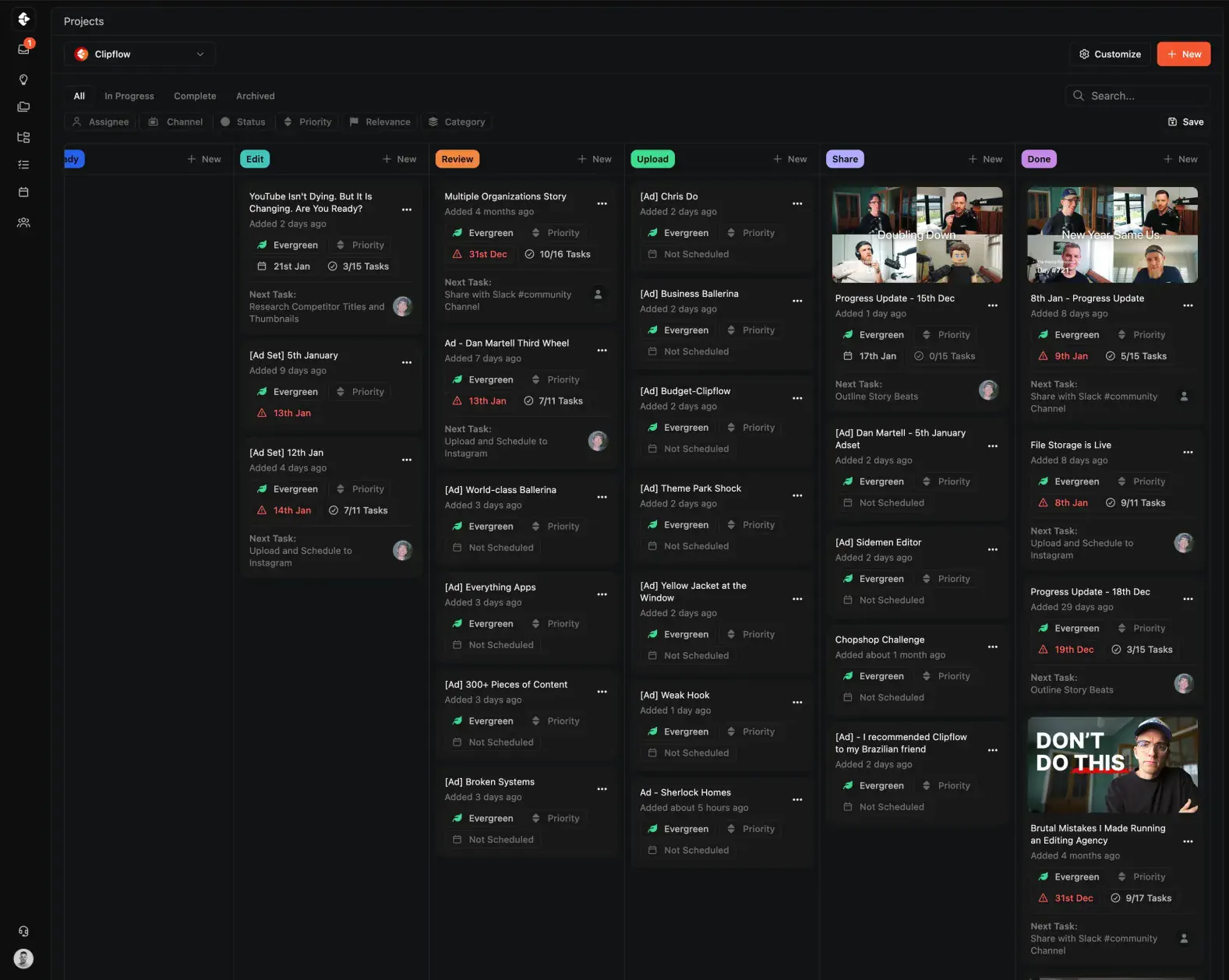
Clipflow is best for content teams that need review integrated with planning, task execution, approvals, and publishing in one connected workflow.
Pros & Cons
There are benefits and restrictions to every tool. Your job is to decide what's most important to you, and your team.

Frame.io
- Review-only, no project management or task workflow
- Context lives in a separate tool from briefs and tasks
- Every approval requires a manual update elsewhere
- No scheduling, publishing, or post calendar
- Additional cost on top of your existing PM stack

Clipflow
- Video review inside the same project as tasks and briefs
- Full context: script, schedule, and review in one place
- Approvals update project status automatically
- Post calendar and multi-channel scheduling built in
- One platform replaces review + PM + scheduling tools
Clipflow vs Frame.io: Feature Comparison
A feature by feature breakdown of features that matter to high-output content teams and media businesses.
| Capability | Clipflow | Frame.io |
|---|---|---|
| Video review and approvals | Built-in | Built-in |
| Frame-accurate feedback | Yes | Yes |
| Task management in same project | Yes | No |
| Briefs and scripts in same workflow | Yes | No |
| Relative-date task templates | Yes | No |
| Status updates after approval | Automatic | Manual in another tool |
| Cross-client / multi-org visibility | Yes | No |
| Client share links and scoped review | Yes | Yes |
| Post calendar and scheduling | Yes | No |
| One project to many channel outputs | Yes | No |
| Workflow consolidation | High | Low (review layer only) |
| Typical stack needed | One platform | Frame.io + PM + docs + scheduler |
| AI features | Coming Soon | No |
| G2 rating | Not yet listed | 4.6/5 (~968 reviews) |
Clipflow vs Frame.io: How the Costs Compare
Frame.io usually enters as one line item but requires additional tooling for project execution. Most teams end up with at least a PM tool, docs/planning tool, and scheduler on top. Example stack for a 10-person team: Frame.io + PM + docs + scheduler + automation glue. Clipflow is designed to replace that stitched workflow with one operating system.
| Plan | Clipflow | Frame.io |
|---|---|---|
| Free | Unrestricted trial (14 Days No Credit Card) | Free tier (limited storage) |
| Per-user (paid) | $29/user/month | $15 Pro / $25 Team (review only) |
| Unlimited users flat rate | $424/month | Per-seat only |
| AI add-on | Coming Soon | No |
| Free trial | 14 days | Available |
Why Users Switch from Frame.io
Frame.io is a strong review tool. But content teams often find that review alone is not enough to run production efficiently. Here are the most common reasons for content teams to look for alternatives.
Review-Only Platform
Frame.io handles one step in the production process. Everything before and after review (briefs, tasks, scheduling, publishing) lives in separate tools.
No Task Management or Workflows
There are no task assignments, due dates, or workflow stages. Teams need Asana, ClickUp, or another PM tool alongside Frame.io to actually manage production.
No Scheduling or Publishing
Frame.io has no content calendar, no multi-channel scheduling, and no publishing. Teams add yet another tool for the last mile of content delivery.
No Briefs, Scripts, or Planning
Creative briefs and scripts live in Google Docs or Notion. Context is split across tools before review even begins, creating version confusion and handoff delays.
Per-Seat Pricing for Review Only
Frame.io pricing is per-seat and covers the review layer only. Once PM, docs, and scheduling tools are added on top, the total stack cost for a full team scales linearly with headcount across multiple line items.
Still Need Asana or ClickUp Alongside
Frame.io is never the only tool. Teams always run it alongside a project management platform, meaning double the context switching, double the status updates, and double the admin.
You can read real reviews from real people at Frame.io reviews on G2
Who Should Choose Clipflow vs Frame.io?
Both tools have strengths.
The best choice depends on whether you need review-only depth or a full content production workflow.
Frame.io is strong in specialist review. Studios and post-production teams doing high-precision cinematic review may prefer its focus.
But for content teams that need planning, tasks, review, approvals, and publishing in one place, Clipflow is the better choice.
Frame.io is best for:
- Studios and film/post teams running high-precision review cycles
- Teams already inside Adobe Creative Cloud workflows (Premiere, After Effects)
- Teams satisfied with a separate PM + review stack
- Organizations optimizing for review depth over workflow consolidation
Clipflow is best for:
- Content agencies managing review and delivery across multiple clients
- YouTube and media teams that need review tied to tasks, briefs, and scheduling
- Teams trying to reduce status-chasing and app switching
- Operators replacing multi-tool content stacks with one workflow
- Teams producing 50+ pieces of content per month
- Anyone tired of paying for Frame.io + PM + docs + scheduler separately
What Clipflow Does That Frame.io Can't
Purpose-built features that go beyond review to cover the full content production lifecycle.





Project Templates with Role-Based Tasks
Build repeatable workflows once. Tasks auto-assign to editors, strategists, and reviewers based on their role (no manual setup each time).
- Templates with relative due dates that shift automatically
- Role-based auto-assignment across your team
- One-click project creation from any template
Media Review Plus Everything Else
Clipflow includes frame-accurate video review, but unlike Frame.io, review lives inside the same project as tasks, briefs, schedules, and approvals. No separate tool, no context switching, no manual status updates after sign-off.
- Timestamped feedback directly on video
- Client review with no-login share links
- Review connected to tasks, briefs, and publishing (not isolated)
Built for How Content Teams Actually Work
Features that address the daily friction a review-only tool can't solve for media production.








Multi-Channel Publishing & Scheduling
Schedule 50+ posts per day across YouTube, TikTok, LinkedIn, and Instagram from one calendar. Frame.io has no scheduling or publishing, so teams need a separate tool for the last mile.
- One calendar for all platforms and handles
- Bulk scheduling across channels
- Performance tracking per post

Multi-Org & Client Management
Native architecture for agencies managing multiple clients. Clean separation, cross-org visibility, and client share links (capabilities Frame.io was never designed to provide).
- Separate workspaces per client
- Cross-org reporting and visibility
- No-login client portals for review
A step-by-step guide to migrating your content workflow.
How to Switch from Frame.io to Clipflow
Step 1
Start your free Clipflow trial
Sign up for a 14-day trial (no credit card). Clipflow includes video review plus the full production workflow.
Step 2
Move one active project
Start with a single content project. Set up review, tasks, and scheduling in Clipflow to prove the consolidated workflow.
Step 3
Migrate your team's review process
Move video review from Frame.io to Clipflow's built-in review. Clients can review via share links without creating accounts.
Step 4
Cancel Frame.io and PM tools
Once your team is running end-to-end in Clipflow, cancel Frame.io plus any PM, docs, or scheduling tools it depended on.
Work Smarter, Less Chaos

Clipflow vs Asana
Compare setup, review flow, and delivery for Asana.
Learn more →
Clipflow vs ClickUp
Compare setup, review flow, and delivery for ClickUp.
Learn more →
Clipflow vs Notion
Compare setup, review flow, and delivery for Notion.
Learn more →
Clipflow vs Trello
Compare setup, review flow, and delivery for Trello.
Learn more →Avoid this "Productivity" Trap
Review quality alone doesn't connect the production workflow
If planning and task execution live in other tools, review still creates friction at every handoff. Clipflow combines frame-accurate review with day-to-day execution so the workflow stays connected.
Last updated: June
Reviewed by: Clipflow Editorial Team
All product names, logos, and brands are property of their respective owners. Use of these names and logos is for comparison and identification only, and does not imply affiliation or endorsement.
Frequently Asked Questions
Can Clipflow replace Frame.io plus project management tools?
When should we keep Frame.io?
Do clients need accounts to review in Clipflow?
Can we migrate gradually instead of switching everything at once?
What do we lose by moving from Frame.io?
How fast can we get operational?
Does Clipflow support multi-client operations?
Is Clipflow cheaper than a Frame.io stack?
Does Clipflow have frame-accurate video commenting?
Does Frame.io have project management features?
Can I try Clipflow before committing?
Does Frame.io have content scheduling?
Is Clipflow a good alternative to Frame.io for agencies?
What about Camera to Cloud and other Frame.io-specific features?